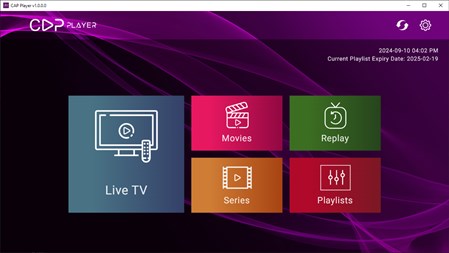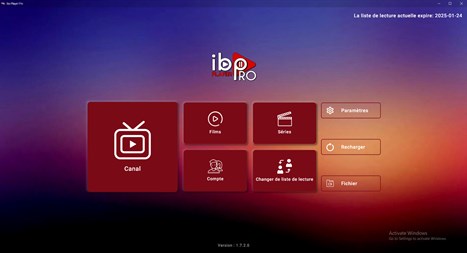

IPTV Smarters Pro is the Windows version of the popular Android app. With it, you can watch IPTV links on your PC without needing any other devices. Furthermore, you can view channels organized by country, or even bookmark your favorites for easier access.
To use IPTV Smarters Pro windows, you need a username, password, and URL to access the channels. Normally, phone companies allow you to access this content using your subscriber credentials, which you can then use to access the content on your local network.
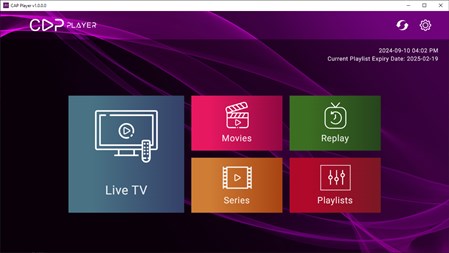
With IPTV Smarters Pro, you can watch both live content and on-demand channels. In the Live TV section, you can see channels sorted by country. When you find something you want to watch, simply click on it and press Play. You can also add it to your favorites or view the schedule. In the player, you can choose the aspect ratio, switch to full screen, change the audio source, or zoom in and out.
With IPTV Smarters Pro, you can also watch content from the beginning if you schedule it in advance. At the same time, you can watch multiple channels simultaneously thanks to the multi-screen option.
Therefore, if you intend to watch content via the IPTV protocol, downloading IPTV Smarters Pro windows is one of the best options.
You must log in to submit a review.